Features
Email marketing software that’s built for how you actually create emails.
Creating emails takes too long. We hated it, so we built the missing tools from the ground up.
We’re tired of fighting clunky tools too.
- Your emails look different on every device.
- Maintaining your brand consistency is a tedious manual process.
- Platform support is a bot.
- You avoid email marketing like the plague.
- You spend days if not weeks creating a single email.
- You send out the wrong product pricing.
- You send out the wrong links in your emails.
So we fixed it.
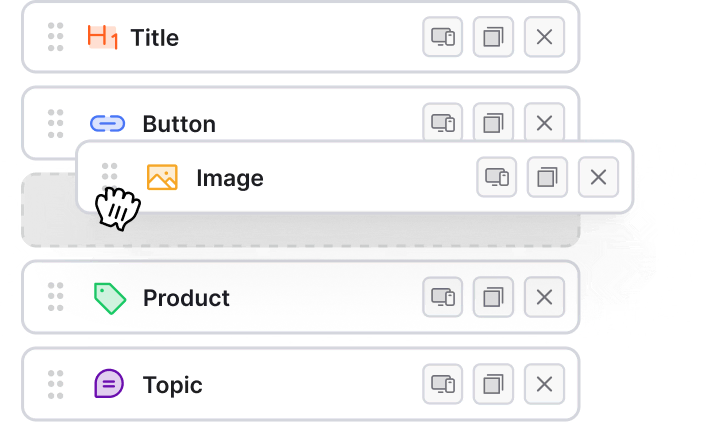
Email Designer
Build emails in minutes, not weeks.
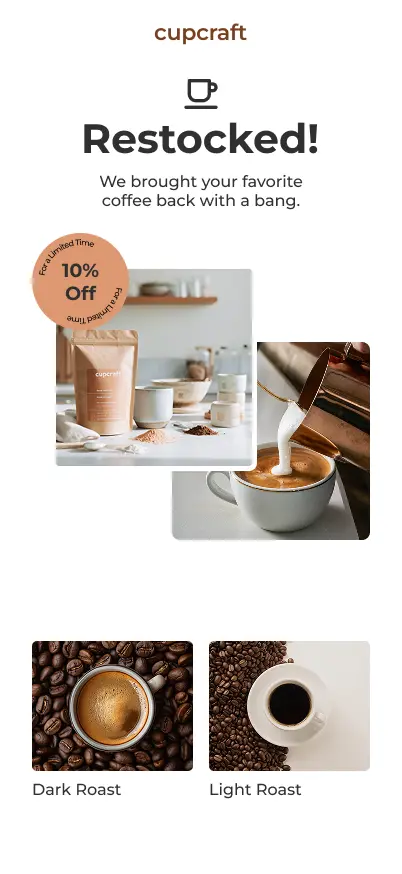
Get out of email complexity with an editor that puts you back in the driver seat. A single-layer editor removes the tedious design process. Spend your time on content that sells and converts.
Content Library
Re-use content on any email.
Never send outdated pricing or links again.
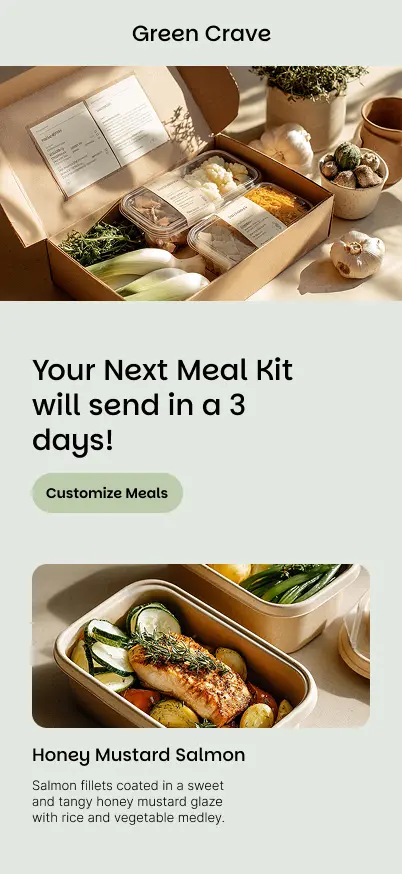
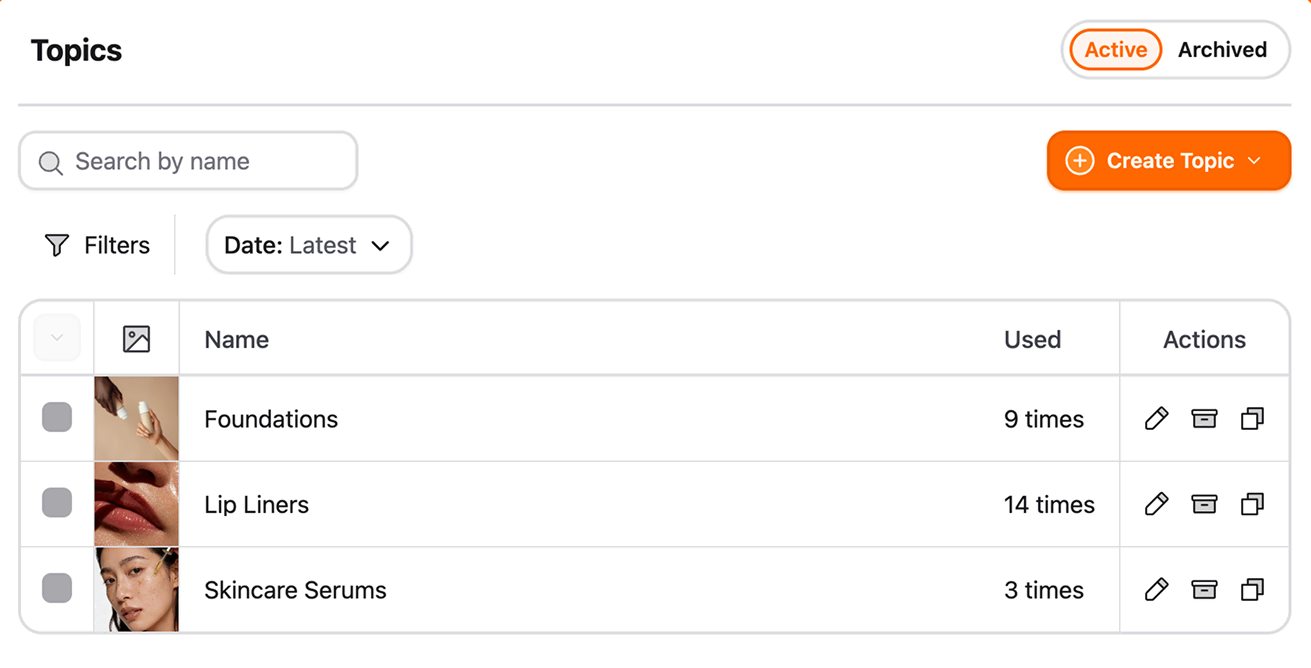
Store your blog posts, YouTube videos, and products in one library. Reuse them in any campaign.
Product Sync
Stop the manual price entering mishaps and sync product pricing and information automatically.

Save Content
Sync your websites blog posts or save your own custom content to be re-used anywhere.

Styling & Branding
Campaign branding without the “Copy & Paste” mess.
No more copy and pasting hex codes a billion times.
Set up your design preferences once. They apply across every email, so your design stays consistent.
- Re-usable section styles: Create a style preset for a section and re-use it over and over.
- Global styling management: Set branding styles once in a single location.
- No more copy and paste: Gone are the days of copy pasting hex codes into every single input.
- Add New Style

- Primary Button
- Dark Button
- Light Button

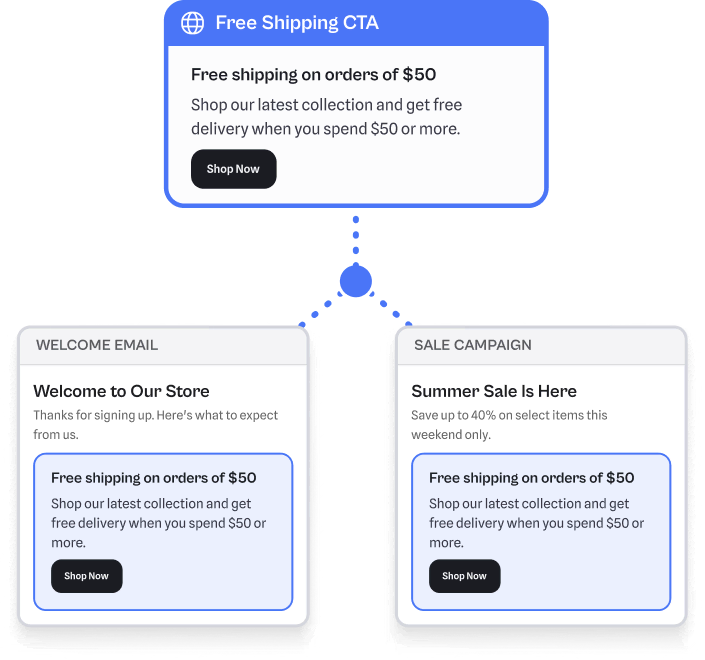
Global Sections
One place for the sections you reuse everywhere.
Some content needs to stay the same across every email. Build those sections once and drop them anywhere. One edit updates them all.
- Reusable sections: Build once with locked content and styling, then reuse anywhere.
- Drop in anywhere: Add to any campaign or automation without rebuilding.
- Sync Edits: Edit the section once and every email reflects the change.
Automations
Win more business with emails sent at just the right time.
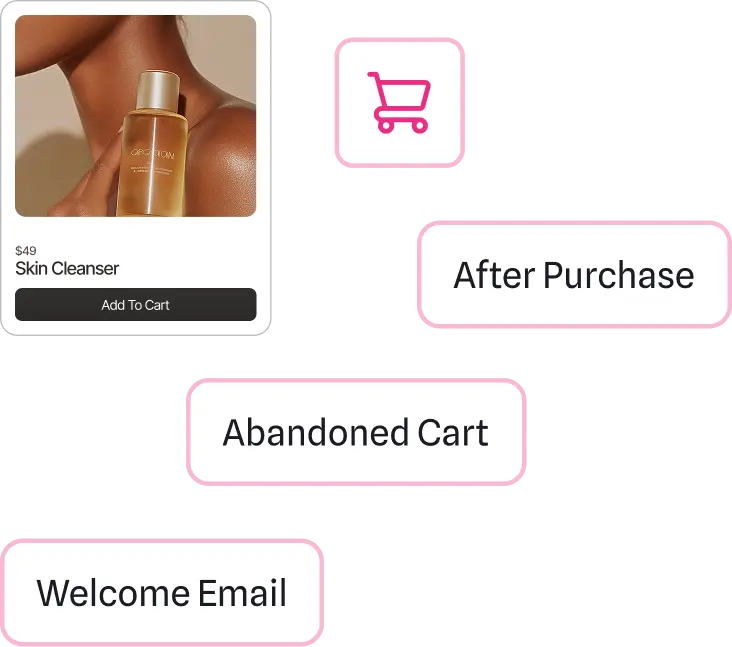
Intelligent automations reach your audience at the perfect moment. You never miss the opportunity.
- Reengage in-nactive customers: Trigger campaigns designed to bring inactive customers back.
- Recover abandoned carts: Recapture shoppers who didn’t complete their purchase.
- Roll out a warm welcome: Greet every new subscriber with a personal touch.
Recipient Import
Migrate to Reachly without losing your tags or your time.
Moving to a new email platform shouldn't mean starting over. Reachly detects your existing tags and lets you pick which to import. Your list organization carries over in minutes.
- Import recipients in one shot: Skip the spreadsheet cleanup.
- Auto Import Tags: Tags are automatically detected from your recipient import.
- Keep your tag list clean: Choose which tags to bring over, skip the rest.
Importing Recipients
52 Tags
Edit Images
Edit your images right inside the email builder.
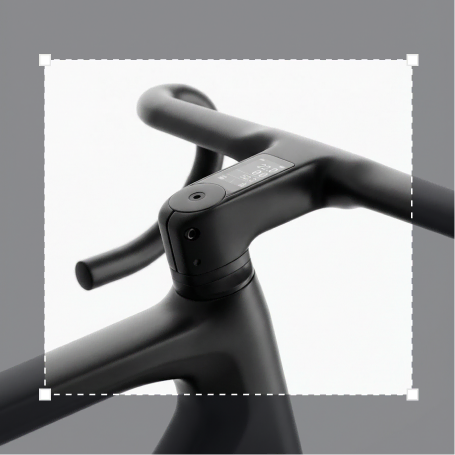
You shouldn't need to open Photoshop or Canva every time an image needs a small tweak. Crop, adjust, and style images with the built-in editor. You never leave the email builder.
- Crop, blur, overlay, border: Everything you might open Canva or Photoshop for, built in.
- Stay in the builder: Edit in seconds without leaving your email.
- Crop

- Blur
- Opacity
- Overlay
- Plus More


Deliverability Testing
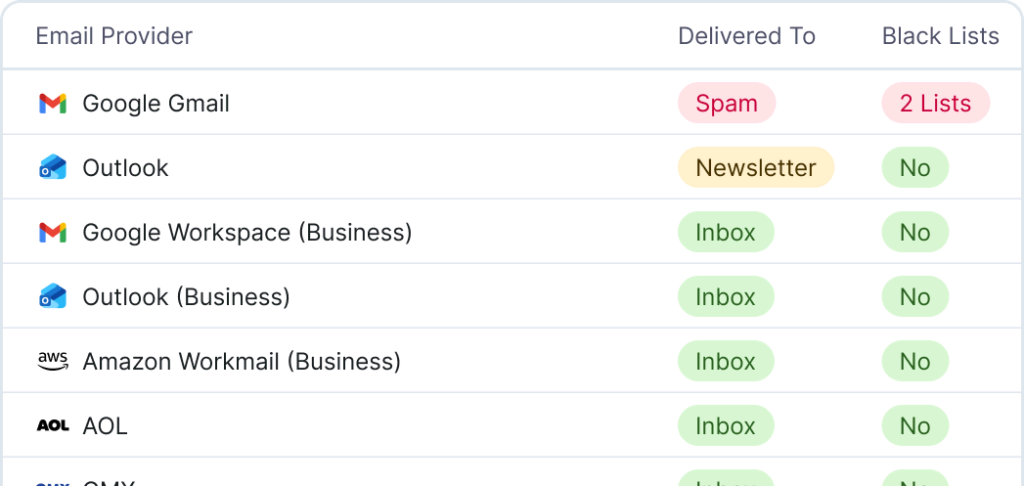
Know if your email goes to spam before you hit send.
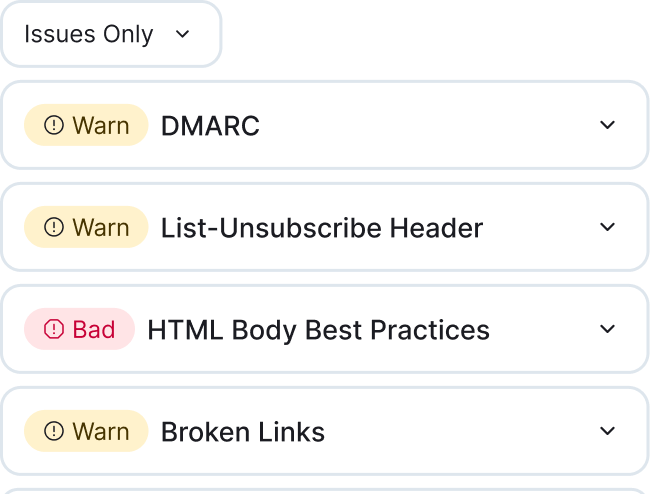
You spend time crafting the perfect campaign, but if it lands in spam, none of it matters. Deliverability testing inside Reachly lets you check inbox placement across major email providers. Catch problems before you send to your full list.
Analytics
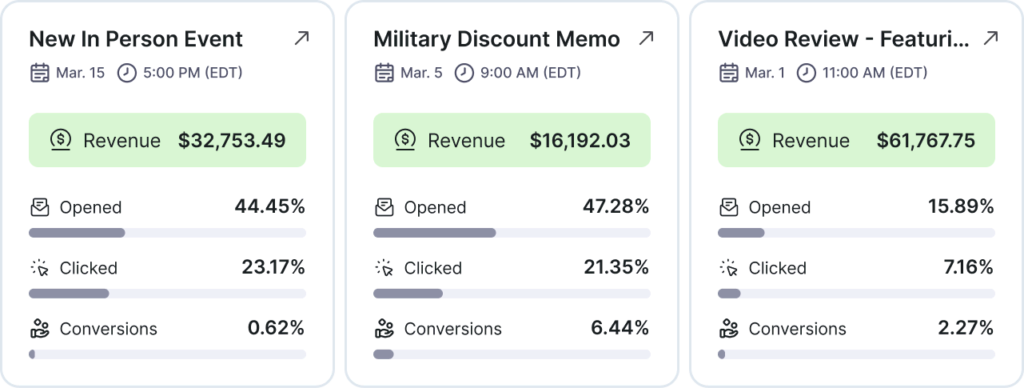
Make smarter decisions with actionable insights.
Monitor the performance of your email campaigns in real time.
Track open rates, clicks, and conversions. See what drives engagement and fix what doesn't.
Extra Features
Other features you might be interested in.